


Trade Futures on TradingView
Connect your account to TradingView, one of the most popular trading platforms in the world.
Note: you will need your own market data subscription through TradingView.
Available for
$20
per month
+
$0.10
per side
+
Market Data
Trusted by Active Traders
TradingView is widely used by futures traders for its speed, reliability, and flexible charting tools.
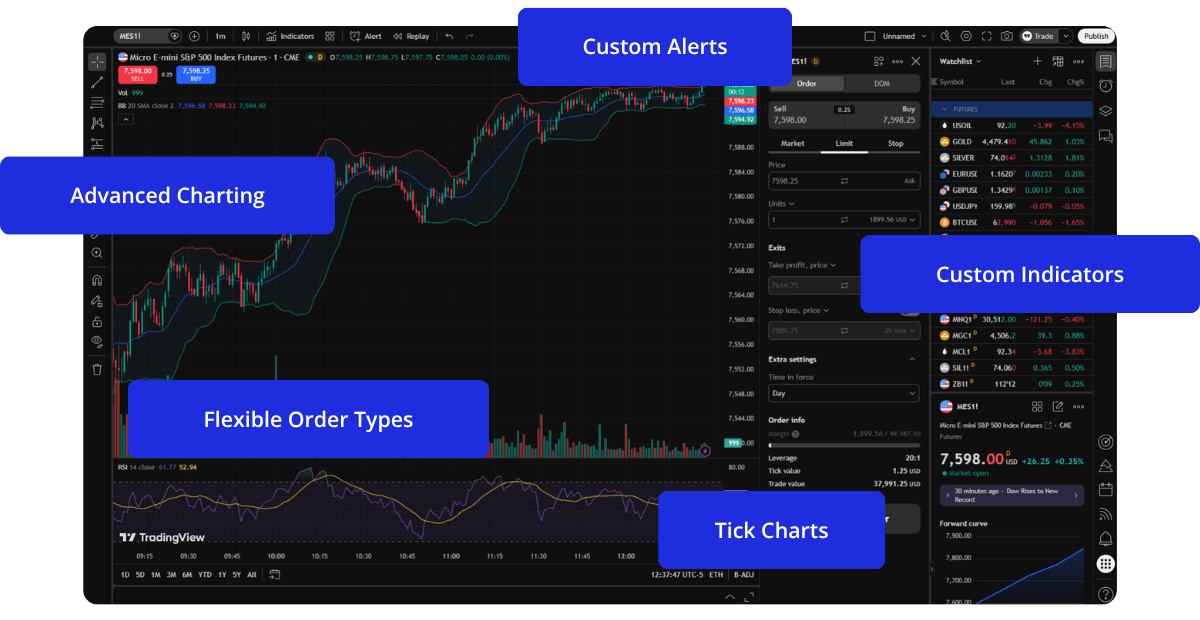
TradingView Features
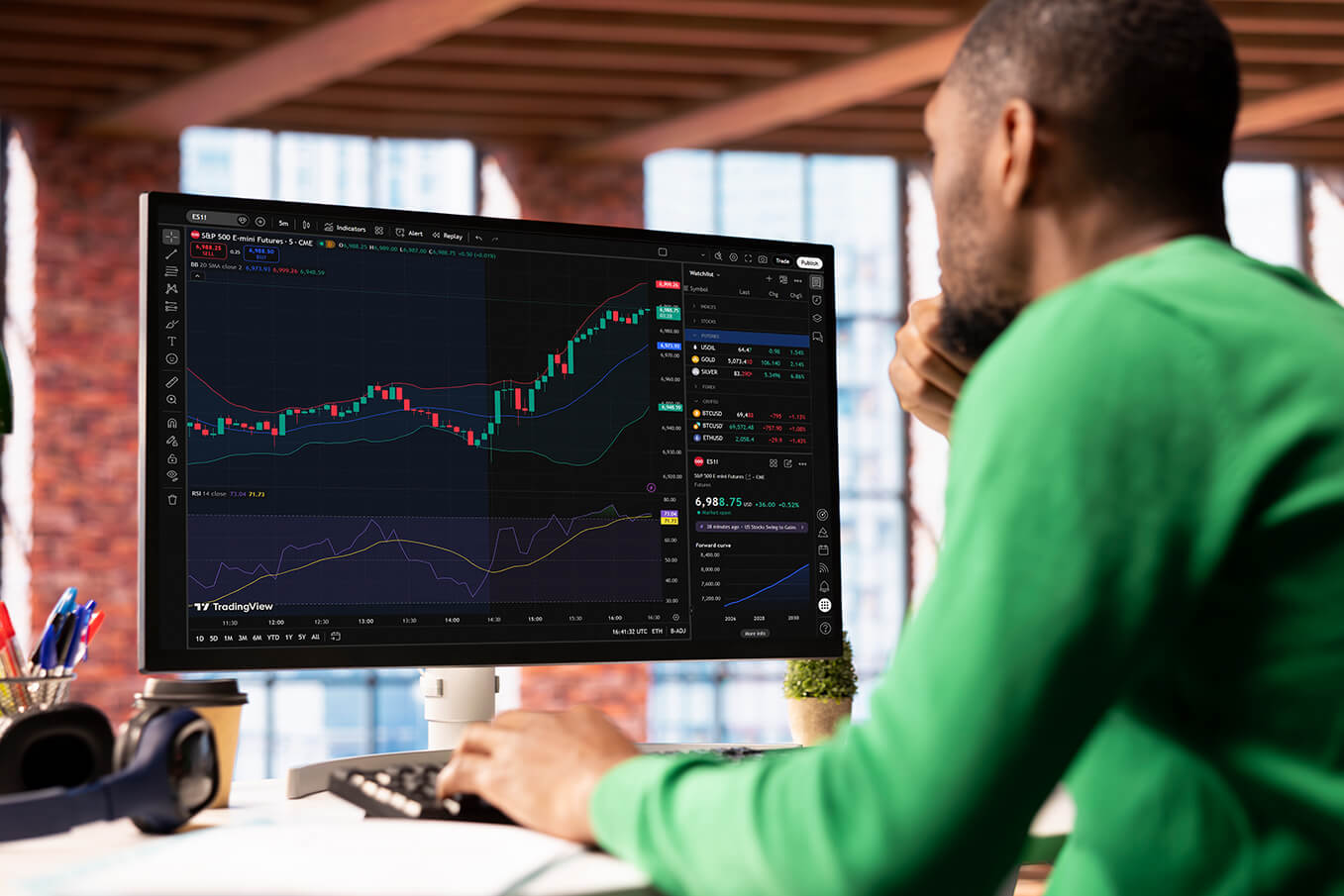
Trade futures using TradingView’s in-depth charting and analysis tools.
Advanced Charting
Fast, responsive charts with multiple chart types and timeframes.
Technical Indicators
Hundreds of built-in indicators covering trends, momentum, and volume.
Custom Alerts
Price, indicator, and condition-based alerts delivered in real time.
Pine Script
Build custom indicators with TradingView’s scripting language.
Drawing Tools
Mark up charts with lines, levels, zones, and notes.
Chart Replay
Review past market action candle-by-candle for analysis and practice.
Built-in Trading Tools
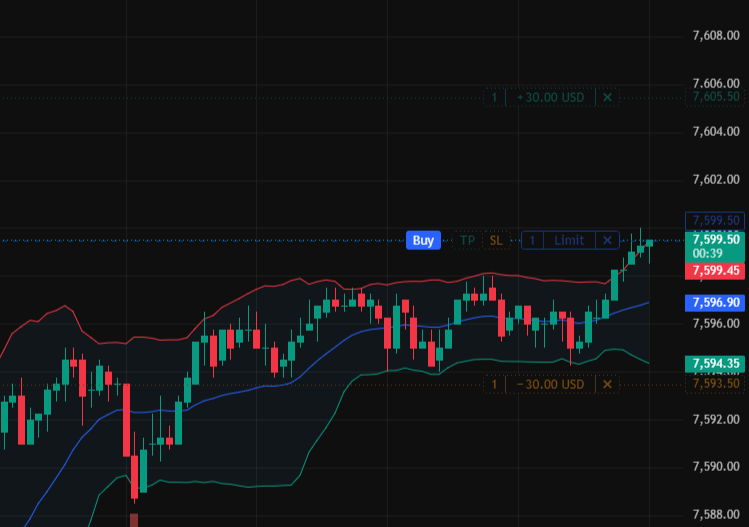
- Order Types: Place market, limit, stop, stop limit, and trailing stop orders directly from the chart.
- Bracket Orders: Set take profit and stop loss levels, adjust brackets after entry, or add brackets to open positions to manage risk.
How to Trade Futures on TradingView
TradingView access is available by request.
If you would like to trade futures on TradingView, please contact MetroTrade support. Our team will walk you through availability, requirements, and next steps.
Frequently Asked Questions
What is TradingView?
TradingView is a popular trading platform used by millions of traders worldwide. It is known for fast charts, technical indicators, alerts, and a clean trading interface.
Do I need a TradingView account?
Yes, you need a TradingView account to use the platform. TradingView offers free and paid plans. Features depend on the plan you choose.
How does MetroTrade connect to TradingView?
MetroTrade connects to TradingView through our FCM, Dorman Trading.
How does market data work on TradingView?
Market data on TradingView is provided through TradingView, not MetroTrade. To see live CME futures prices on TradingView, you must subscribe to CME market data directly through your TradingView account. This includes real-time pricing for CME, CBOT, NYMEX, and COMEX products. If you do not subscribe, futures prices may be delayed or unavailable.
Is mobile trading supported on TradingView?
Live futures trading is supported on TradingView Web and Desktop only. Orders cannot be placed on the TradingView mobile app for futures through Dorman Trading.
Can I connect my demo account to TradingView?
No, the 30-day free demo is only available on the MetroTrader Web platform. If you want to paper trade on TradingView, you will have to subscribe to futures market data on their platform.
Are there extra fees to use TradingView?
TradingView may charge subscription fees depending on your plan. TradingView pricing is set by TradingView, not MetroTrade. Standard commissions and exchange fees still apply to trades.